February 20, 2025
Introduction
Email security is a critical component of a company’s overall cybersecurity strategy, as phishing remains the primary method for deploying ransomware, which continues to inflict billions of dollars in damages worldwide. While Endpoint Detection and Response (EDR) solutions have advanced significantly, threat actors are continuously adapting their techniques to bypass these defenses. As a result, it is essential to implement measures that prevent malicious emails from reaching employees in the first place, thereby reducing risk.
A well-configured email security posture can significantly reduce the likelihood of successful phishing attempts. However, the email protocol stack was not originally designed to address the modern security challenges we face today. To address these gaps, industry-standard authentication mechanisms such as SPF (Sender Policy Framework), DKIM (DomainKeys Identified Mail), and DMARC (Domain-based Message Authentication, Reporting & Conformance) have been developed. These technologies work together to verify sender legitimacy, detect spoofing attempts, and enforce security policies.
Understanding SMTP
Before diving deeper, it’s essential to understand SMTP communication, how an email is transmitted, and the roles of its various components throughout the process.
SMTP Communication
S: 220 mail.naunet.eu ESMTP Postfix
C: HELO attacker.com
S: 250 mail.naunet.eu Hello attacker.com
C: MAIL FROM:<bob@attacker.com>
S: 250 OK
C: RCPT TO:<victim@naunet.eu>
S: 250 OK
C: DATA
S: 354 End data with <CRLF>.<CRLF>
C: Subject: Test Email
C: From: bob@attacker.com
C: To: victim@naunet.eu
C:
C: this is a test message
C:
C: .
S: 250 OK: queued as 12345
C: QUIT
S: 221 Bye
The above figure shows the SMTP communication where bob@attacker.com sends an email to victim@naunet.eu.
In SMTP communication, there is a distinction between the envelope addresses and the email headers:
-
Envelope From (
MAIL FROM):- Is used at the SMTP protocol level to specify the sender’s return path.
- This is the address that receives bounce messages.
-
Envelope To (
RCPT TO):- Specifies the recipient at the SMTP level.
- Determines email routing but is not visible to the end user (usually).
-
From (Email Header):
- Appears in the email body and is visible to recipients.
- Can be easily spoofed - without proper security configuration - and is not used for email delivery decisions.
-
To (Email Header):
- Displays the intended recipient in the email client.
- Unlike
RCPT TO, this is purely informational and does not control delivery.
To simply put, the envelope controls email transport, while the headers define how the message appears to the recipient.
Sender Policy Framework (SPF)
SPF is basically is an email authentication protocol that prevents spoofing by verifying whether an email is sent from an authorized mail server. It works by checking the sender’s IP address during the SMTP “MAIL FROM” (Envelope From) stage against a list of allowed IPs published in the domain’s DNS as a TXT record. To configure SPF, create a TXT record in your DNS with the syntax:
v=spf1 ip4:<authorized-IP> include:<third-party-domain> -all
The highlighted parts of the SMTP communication is verified by SPF. The email server will check the authorized IP addresses in the TXT record against the sender’s IP.
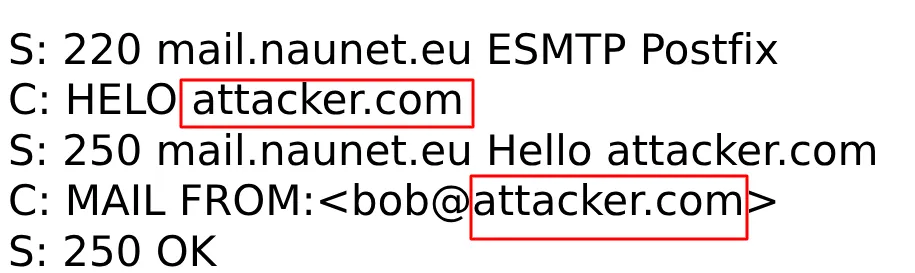
It is important to notice that SPF only checks the HELO and MAIL FROM domains. If an attacker sets up valid SPF record for the attacker.com domain, SPF checks will pass. Even with SPF configured it might be possible to spoof the sender address shown to the end user.
DKIM (DomainKeys Identified Mail)
DKIM is also an email authentication method that ensures email integrity and verifies the sender’s authenticity. It works by adding a cryptographic signature to the email header, generated using a private key stored on the sending mail server. The receiving server retrieves the corresponding public key from the sender’s DNS TXT record to verify the signature. DKIM checks the email headers and body for tampering during transit.
To set up DKIM, generate a key pair, publish the public key in your DNS (v=DKIM1; k=rsa; p=<public-key>), and configure your mail server to sign outgoing emails.
A sample DKIM header looks like this:
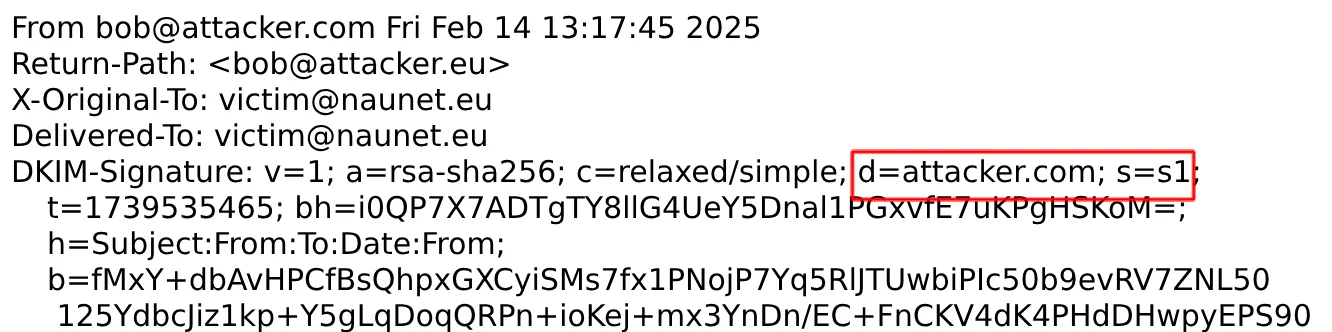
DNS checks are performed against the domain and selector defined in the d and s parameters. In this case it’ll be default._domainkeys.naunet.eu.
As with SPF, if valid DKIM keys are set up for the attacker.com domain, DKIM checks will pass. To address these flaws DMARC was introduced.
DMARC
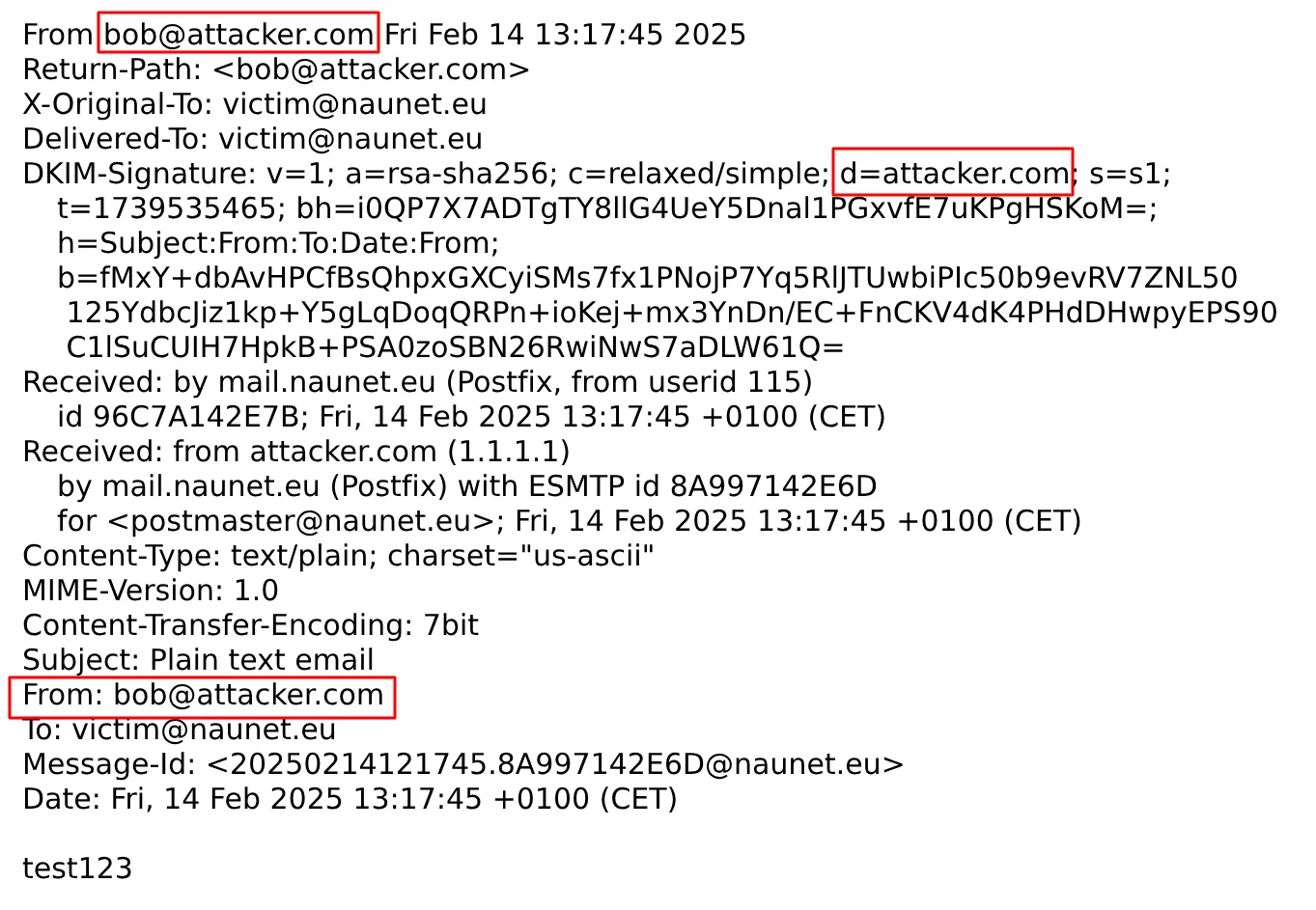
So neither SPF nor DKIM checks the address showed by the Mail User Agents, such as Outlook or Thunderbird. This is where DMARC (Domain-based Message Authentication, Reporting, and Conformance) comes in. It builds on SPF and DKIM by checking whether an email passes authentication (SPF and/or DKIM) and ensures that the domain in the From header aligns with the domains used in these authentication methods.
Alignment means that the domain in the From header must match (or be a subdomain of) the domain in the SPF MAIL FROM and/or the DKIM d= field. DMARC policies (none, quarantine, reject) instruct receiving servers on how to handle failed emails. The highlighted parts are verified during the alignment checks.
 Organizations can implement DMARC by adding a DNS TXT record (
_dmarc.naunet.eu) defining their policy, reporting preferences, and enforcement level. A sample policy looks like this:
_dmarc.naunet.eu. IN TXT "v=DMARC1; p=reject; sp=quarantine; rua=mailto:dmarc-reports@naunet.eu; ruf=mailto:forensic-reports@naunet.eu; pct=100; adkim=s; aspf=r"
Key takeaways
- Attackers can spoof emails without proper configuration of authentication methods
- SPF and DKIM alone do not provide sufficient protection
- Setting up SPF, DKIM and DMARC with the proper policies provide a good basis for secure emailing
Next we will look into possible bypasses of these technologies.
Explore the Latest in Cybersecurity
Stay ahead of cyber threats with insights from the Naunet blog. Our experts share their knowledge on the latest cyber defense trends, techniques, and technologies. Whether you want to deepen your understanding or apply new strategies, our blog is your go-to resource for reliable, expert-backed content in the cybersecurity domain. Join our community of professionals and elevate your security posture with every post.

OpenClaw is an open source AI assistant that runs on your machine and connects to chat apps like Telegram, Discord, and Slack. It is useful because it collapses message intake, web access, tool invocation, and stored authority into one runtime. These features make it a very inviting application however that is also the core danger.
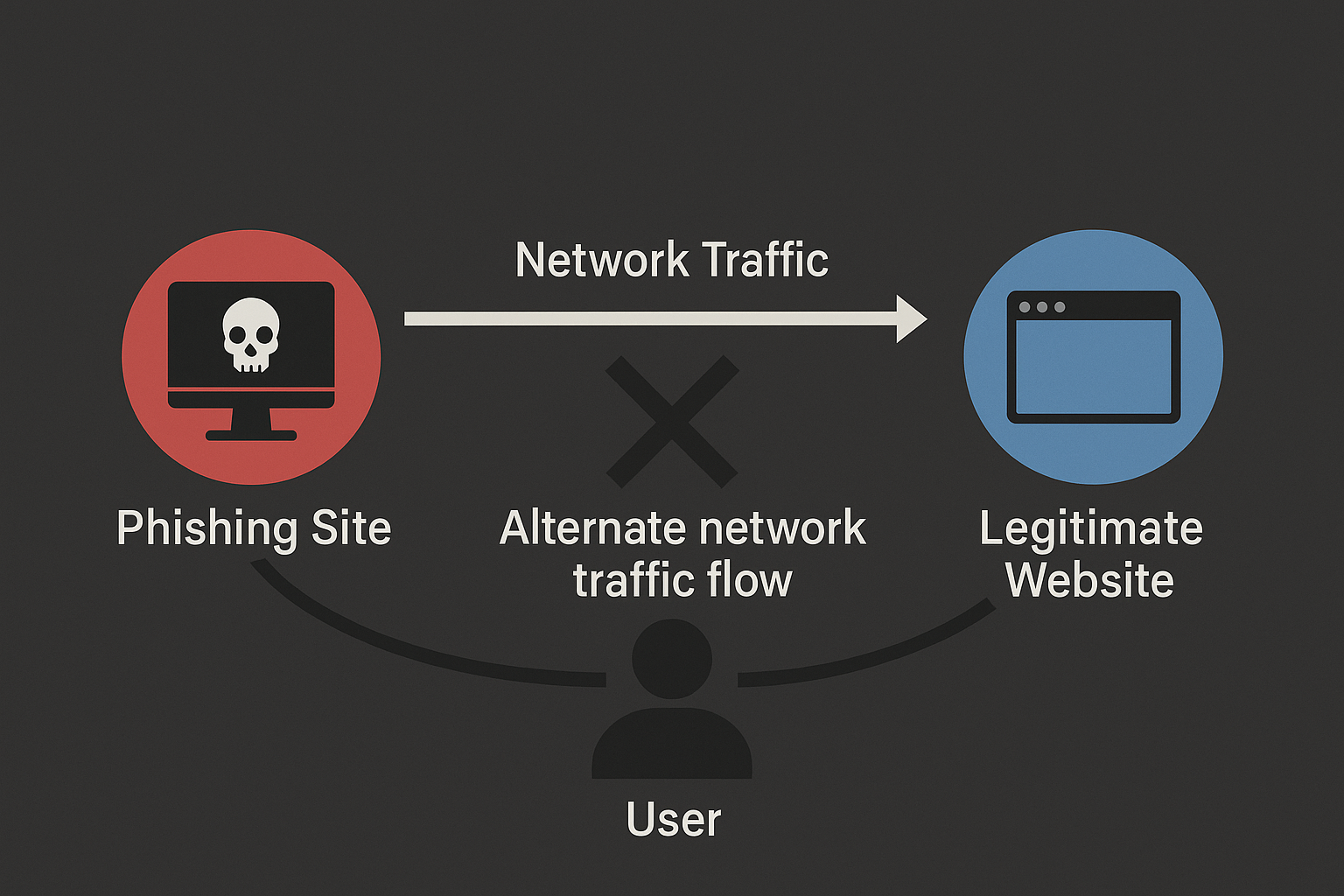
How to use Evilginx 3 with Custom Certificates
Two ways to use Evilginx 3 community edition with custom (even wildcard) certificates.

Last year, I conducted a phishing campaign as part of a red team assessment. Let me share what I learned about SPAM filters. I also had access to the internal mailing system, allowing me to test my theories on the target.
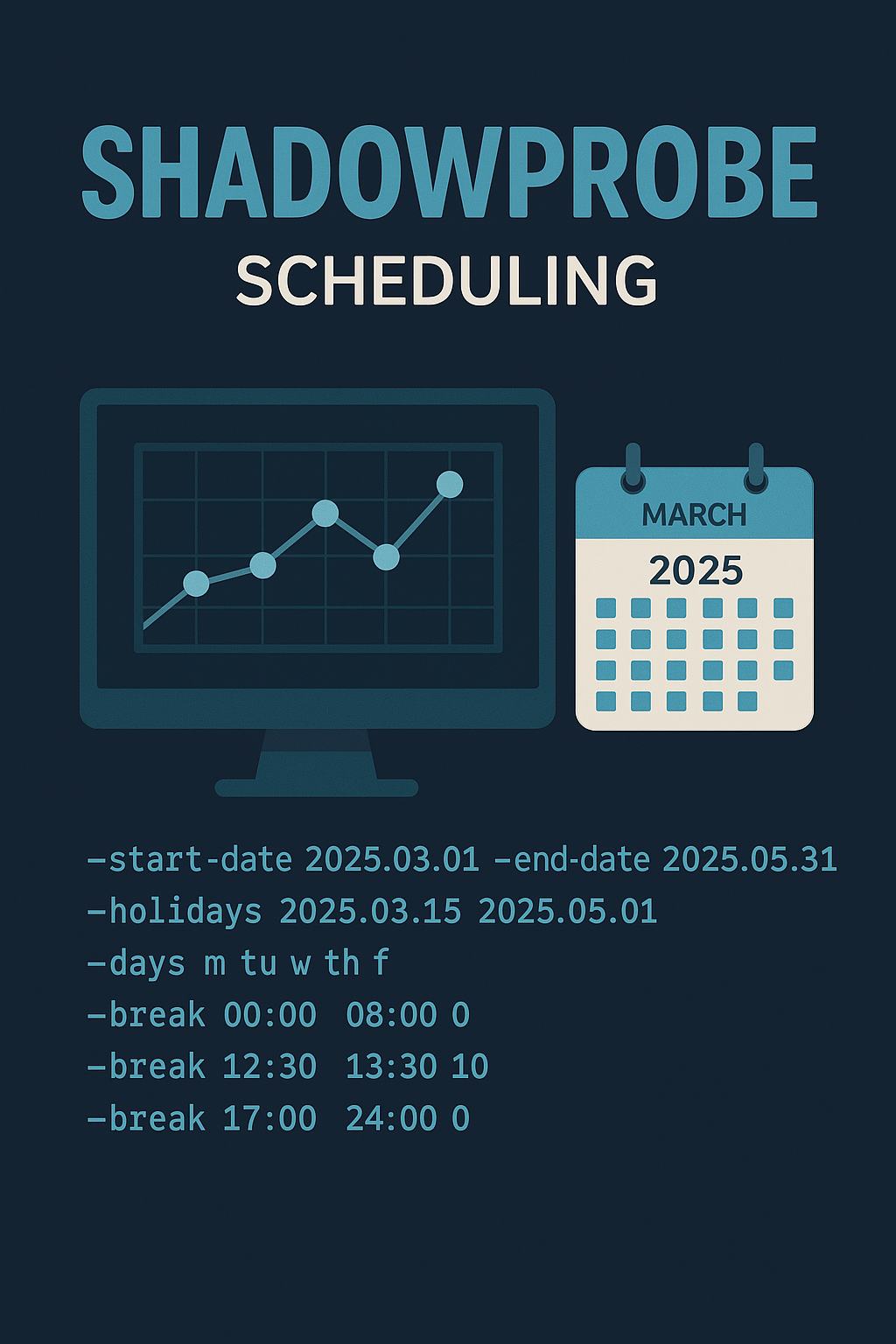
Stealthier than Nmap: ShadowProbe
ShadowProbe is a custom-made, TCP-only port scanner designed for multiple targets, featuring an inbuilt scheduler. It is a tool intended to run for days or even weeks once started.
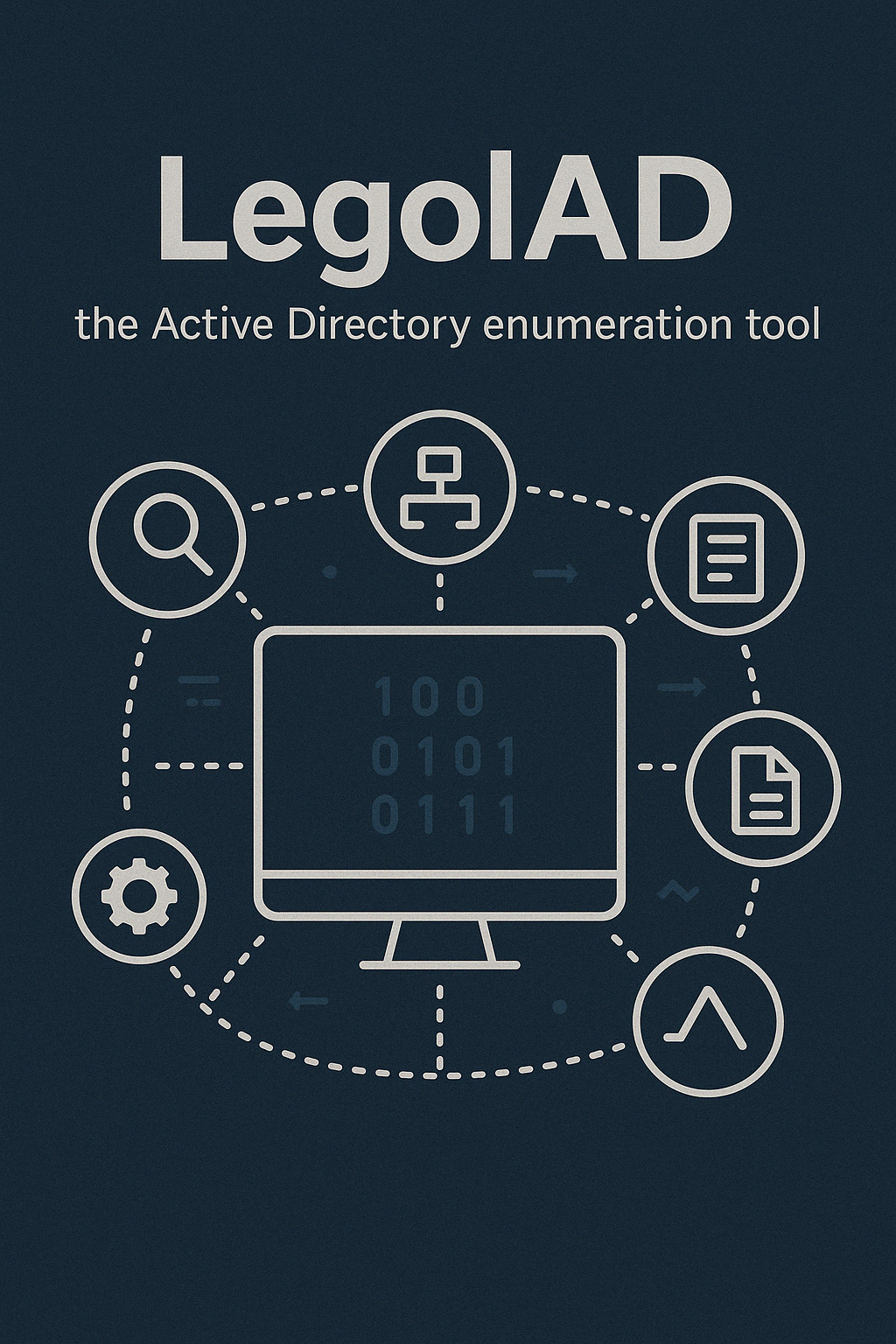
LegolAD is an enumeration tool that allows configurable network traffic for LDAP requests in Active Directory. It can be configured for scope, pagination, and jitter. The idea behind it was to evade detection by custom monitoring systems.
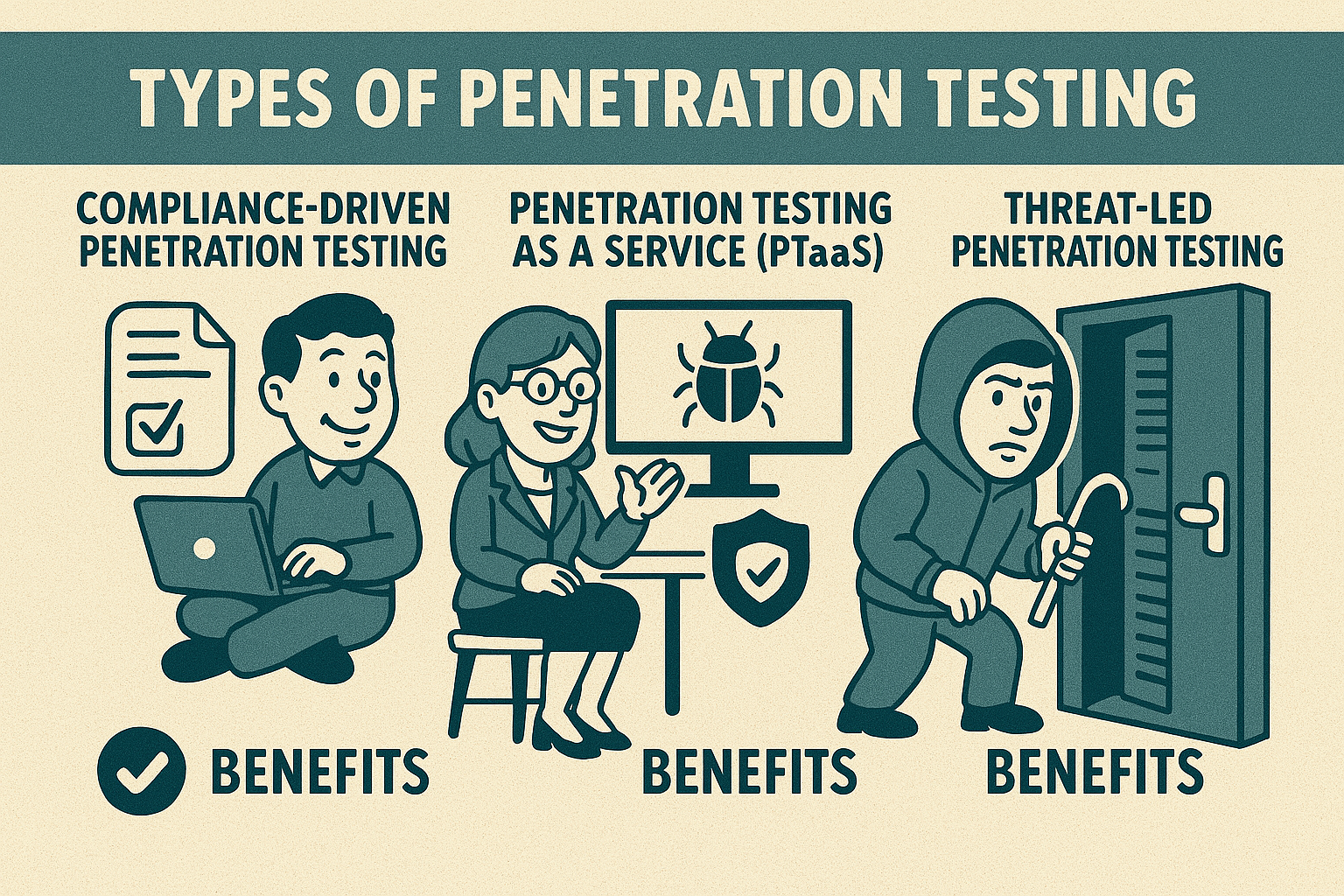
In this article, we’ll explore the different types of penetration tests—compliance-driven, penetration testing as a service (PTaaS), and threat-led testing. We’ll discuss when and why each type is necessary, who benefits from them, and how to determine the best option for your organization’s specific security needs.