
2025. február 7.
Introduction
Modern web applications are often developed using frameworks, which may occasionally result in unexpected behaviours during security testing. One of the most common causes for this is when the framework implements some sort of synchronization or viewstate-like behavior. This implies that any alteration to the user interface, such as entering text in an input field, generates a request, whereby the browser transmits data regarding the changes made to the user interface. It should be noted that in some cases, these aspects may not be critical to the functioning of the application. In such instances, the application may still operate correctly even if a request is lost or there are no incremental IDs in the requests.
In the case of the Vaadin framework, these synchronization values are crucial, as otherwise the UI will reload and the state will be lost. This indicates that if the server does not receive the anticipated IDs, it will terminate the current UIDL session and require the application UI to be reloaded, along with a reset of the synchronization IDs. This introduces complexities to the security testing process, as these IDs must be updated with each request. If a tester does not take this into account and simply initiates a scan, it will be ineffective, as it will simply result in requests being sent with an already terminated session.
Technical Details
Observing the communication it was revealed that the application is using the Vaadin framework. It had several differences compared to “regular” communication used in web applications. More details about Vaadin communication: https://mvysny.github.io/Vaadin8-communication-explained/
- Use of UIDL - It’s basically a constant communication between the client and the server, that keeps track of every change on the UI. Whether you enter text in a search box, or you click a button, it sends a request to the server, which keeps track of every change on the UI
- Use of ‘clientId’ and ‘syncId’, which are basically integer values that keep incrementing and are responsible for message ordering.
This means that if we want to use for example Burp Repeater, we can’t just resend a request, because the application will lose track of the message ordering and we’ll have to reload our application the browser.
How do you notice this behaviour in the first place? For example, in case of a search function, when searching for the x-pentest user, the correct Content-Length of the response is about 1800. If we’re not sending the correct syncId and clientId, the response is a larger general response. The below shows a request, where these parameters were not updated correctly.
POST /appname/UIDL/?v-uiId=4 HTTP/1.1
Host: redactedhost.com
***TRUNCATED***
Connection: close

{"csrfToken":"c2516794-1ec7-4f33-95c4-208494e9cfdc","rpc":[["817","v","v",["positionx",["i",1473]]],["817","v","v",["positiony",["i",47]]],["820","v","v",["c",["i",9]]],["820","v","v",["curText",["s","x-pentest"]]]],"syncId":3,"clientId":3}
Response:
HTTP/1.1 200 OK
Connection: close
Content-Type: application/json;charset=utf-8
Cache-Control: no-cache
Content-Length: 18956

for(;;);[{"syncId": 6, "resynchronize": true, "clientId": 4, "changes" : [["change",{"pid":"744"},["0",{"id":"744","location":"https:\/\/redactedhost.com\/appname\/#\/index\/index"}]],["change",{"pid":"817"},["35",{"id":"817","v":{"action":""}},["actions",{},["action",{"key":"1","kc":27,"mk":[]}]]]],["change",{"pid":"820"},["36",{"id":"820","iem":"LAZY","iet":400,"nvc":true}]],["change",{"pid":"773"},["1",{"id":"773","ormoh":false,"usehtml":true},["options",{}],["items",{},["item",{"id":2,"text":"Admin PenTest (pentest)","command":true,"icon":"https:\/\/redactedhost.com\/profilepic?id=4"}]],["itemIds",{},["item",{"id":"2","componentId":""}]]]],["change",{"pid":"760"},["1",{"id":"760","ormoh":true,"usehtml":true},["options",{}],["items",{},["item",{"id":2,"text":"Admin PenTest","command":true,"icon":"https:\/\/redactedhost.com\/profilepic?id=4"},["item",{"id":3,"text":"My profile","command":true,"icon":"fonticon:\/\/FontAwesome\/f182"}],["item",{"id":4,"separator":true}],["item",{"id":5,"text":"Substituted persons","disabled":true}],["item",{"id":6,"style":"substitution","text":"Admin ","command":true,"icon":***TRUNCATED****
The following request was sent with the correct IDs set in the previous response.
Request:
POST /appname/UIDL/?v-uiId=4 HTTP/1.1
Host: redactedhost.com
***TRUNCATED***
Connection: close

{"csrfToken":"c2516794-1ec7-4f33-95c4-208494e9cfdc","rpc":[["817","v","v",["positionx",["i",1473]]],["817","v","v",["positiony",["i",47]]],["820","v","v",["c",["i",9]]],["820","v","v",["curText",["s","pentest"]]]],"syncId":6,"clientId":4}
Response:
HTTP/1.1 200 OK
Connection: close
Content-Type: application/json;charset=utf-8
Cache-Control: no-cache
Content-Length: 1889

for(;;);[{"syncId": 8, "clientId": 5, "changes" : [], "state":{"821":{"childData":{"835":{"alignmentBitmask":5,"expandRatio":0}}},"835":{"styles":["i2-quicksearch-result-block"]},"836":{"childData":{"837":{"alignmentBitmask":5,"expandRatio":0},"838":{"alignmentBitmask":5,"expandRatio":1}},"width":"280.0px","styles":["i2-cursor-pointer"],"registeredEventListeners":["lClick"]},"837":{"description":"Assistant PenTest","styles":["i2-profile-picture-compact","i2-margin-vertical-small"],"resources":{"source":{"uRL":"https://redactedhost.com/profilepic?id=4"}}},"838":{"childData":{"839":{"alignmentBitmask":5,"expandRatio":0},"840":
By using the correct syncId and clientId, the application responded with the correct data. It’s possible to automatically update the values by grabbing the syncId and clientId values from the response using the TokenJar Burp extension. https://portswigger.net/bappstore/d9e05bf81c8f4bae8a5b0b01955c5578

We can use the following regexes:
"syncId"\s*:\s*(\d+)"clientId"\s*:\s*(\d+)
Even though there’s no checkbox for Scanner, by using these settings, Burp will automatically update the values during a scan too:

This allows us to use the burp scanning for Vaadin applications.
Conclusion
It is essential that penetration testers and bug hunters pay close attention to these behaviours to avoid overlooking crucial bugs and issues.
A couple of suggestions:
- Monitor the progress of a launched scan to check whether something brokes the session
- Check for existing Burp extensions that might be useful for your case
- Hackvertor is a great one that’s useful for a lot of cases
- If it’s a really specific case then use the Burp Extender API to write your own extension
Fedezze fel a legfrissebb kiberbiztonsági híreket
Maradjon egy lépéssel a kiberveszélyek előtt a Naunet szakértői blogbejegyzéseivel! Ismerje meg a legújabb védelmi trendeket, technikákat és technológiákat, hogy növelhesse vállalkozása biztonságát. Csatlakozzon közösségünkhöz, és fejlődjön minden bejegyzéssel!

OpenClaw is an open source AI assistant that runs on your machine and connects to chat apps like Telegram, Discord, and Slack. It is useful because it collapses message intake, web access, tool invocation, and stored authority into one runtime. These features make it a very inviting application however that is also the core danger.
How to use Evilginx 3 with Custom Certificates
Two ways to use Evilginx 3 community edition with custom (even wildcard) certificates.

Last year, I conducted a phishing campaign as part of a red team assessment. Let me share what I learned about SPAM filters. I also had access to the internal mailing system, allowing me to test my theories on the target.
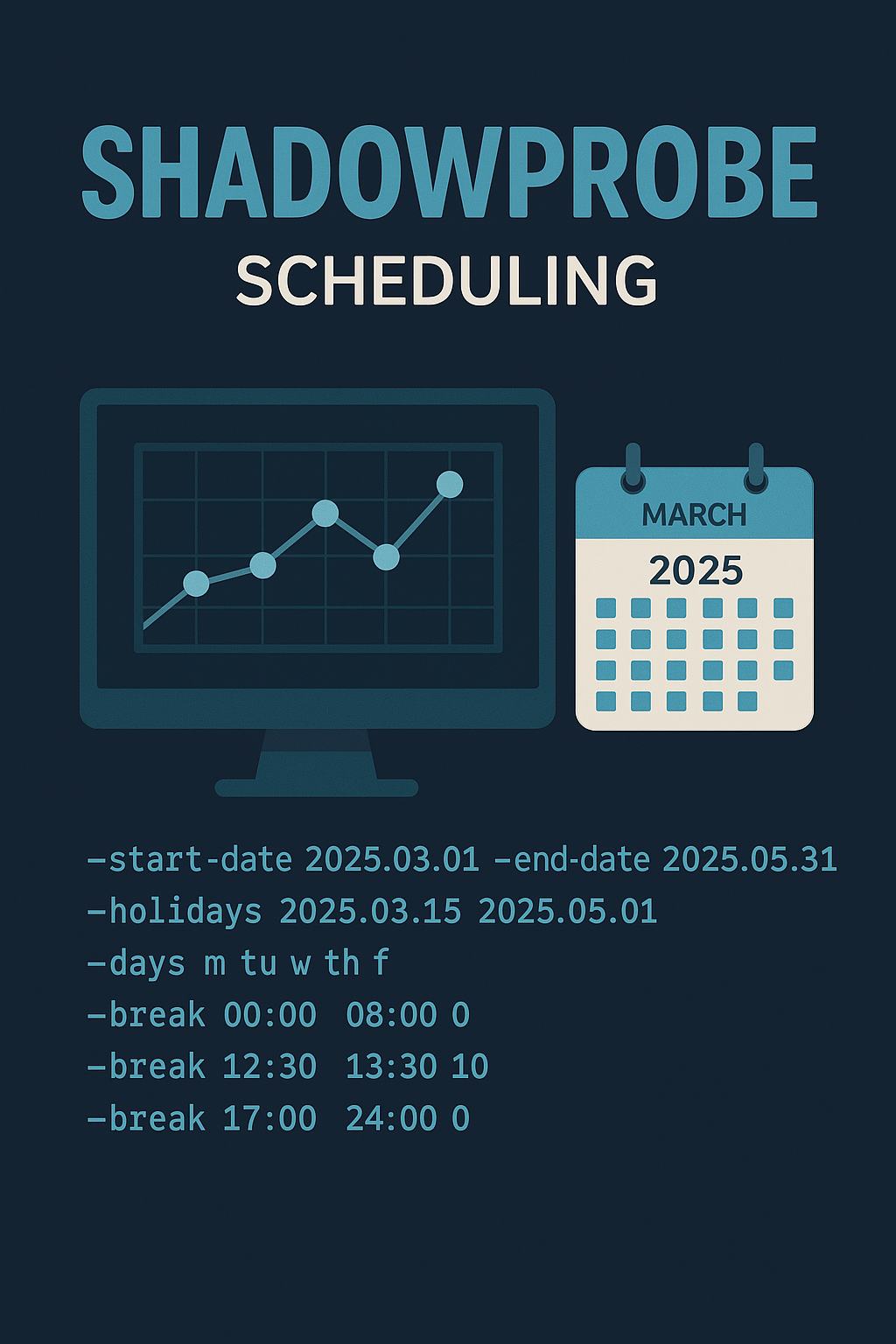
Stealthier than Nmap: ShadowProbe
ShadowProbe is a custom-made, TCP-only port scanner designed for multiple targets, featuring an inbuilt scheduler. It is a tool intended to run for days or even weeks once started.

LegolAD is an enumeration tool that allows configurable network traffic for LDAP requests in Active Directory. It can be configured for scope, pagination, and jitter. The idea behind it was to evade detection by custom monitoring systems.
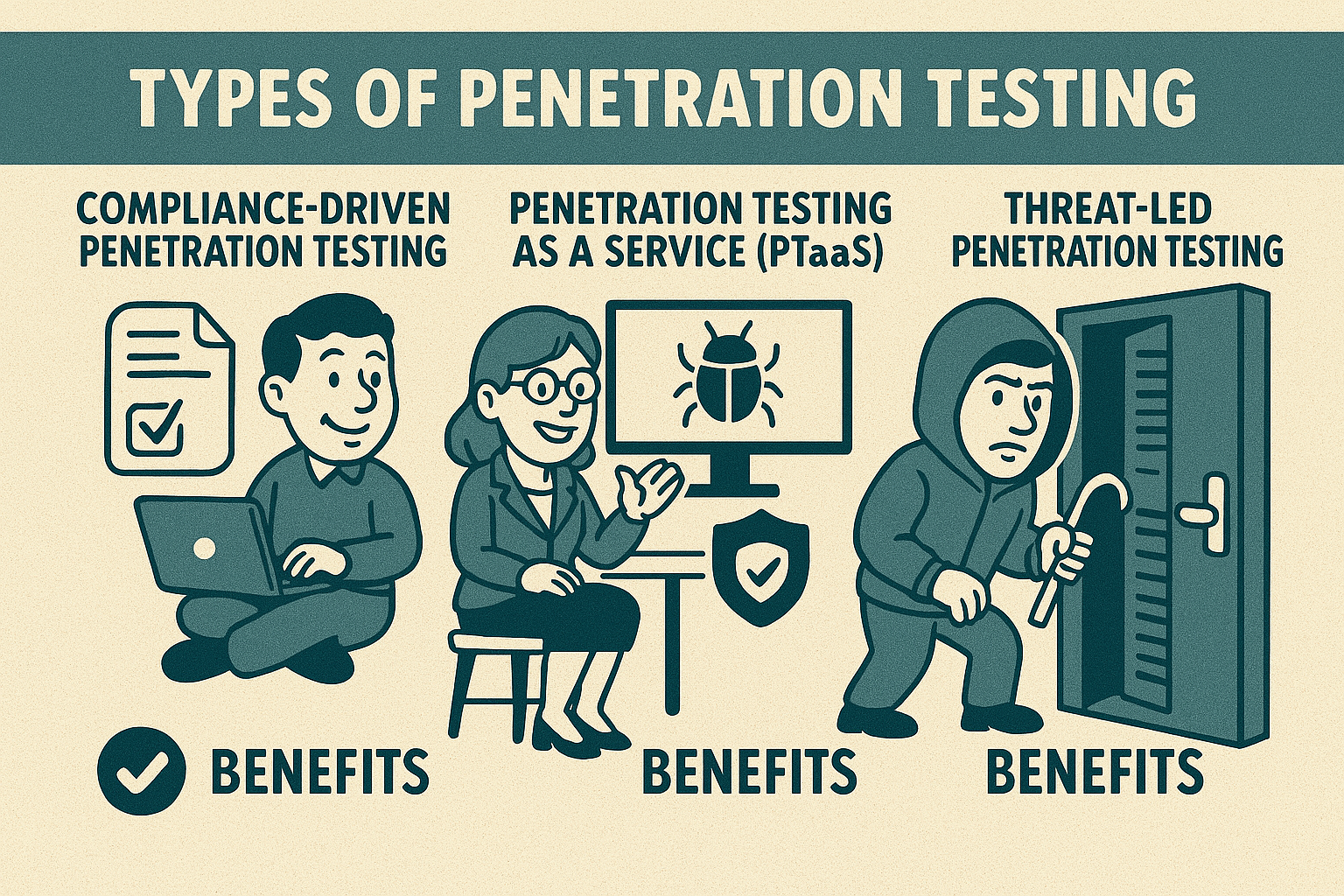
In this article, we’ll explore the different types of penetration tests—compliance-driven, penetration testing as a service (PTaaS), and threat-led testing. We’ll discuss when and why each type is necessary, who benefits from them, and how to determine the best option for your organization’s specific security needs.